A platform migration is one of the riskiest projects an e-commerce team takes on. Done well, it lowers costs, speeds up your team and gives you a better store. Done badly, it loses products, breaks customer accounts and wipes out years of search visibility overnight.
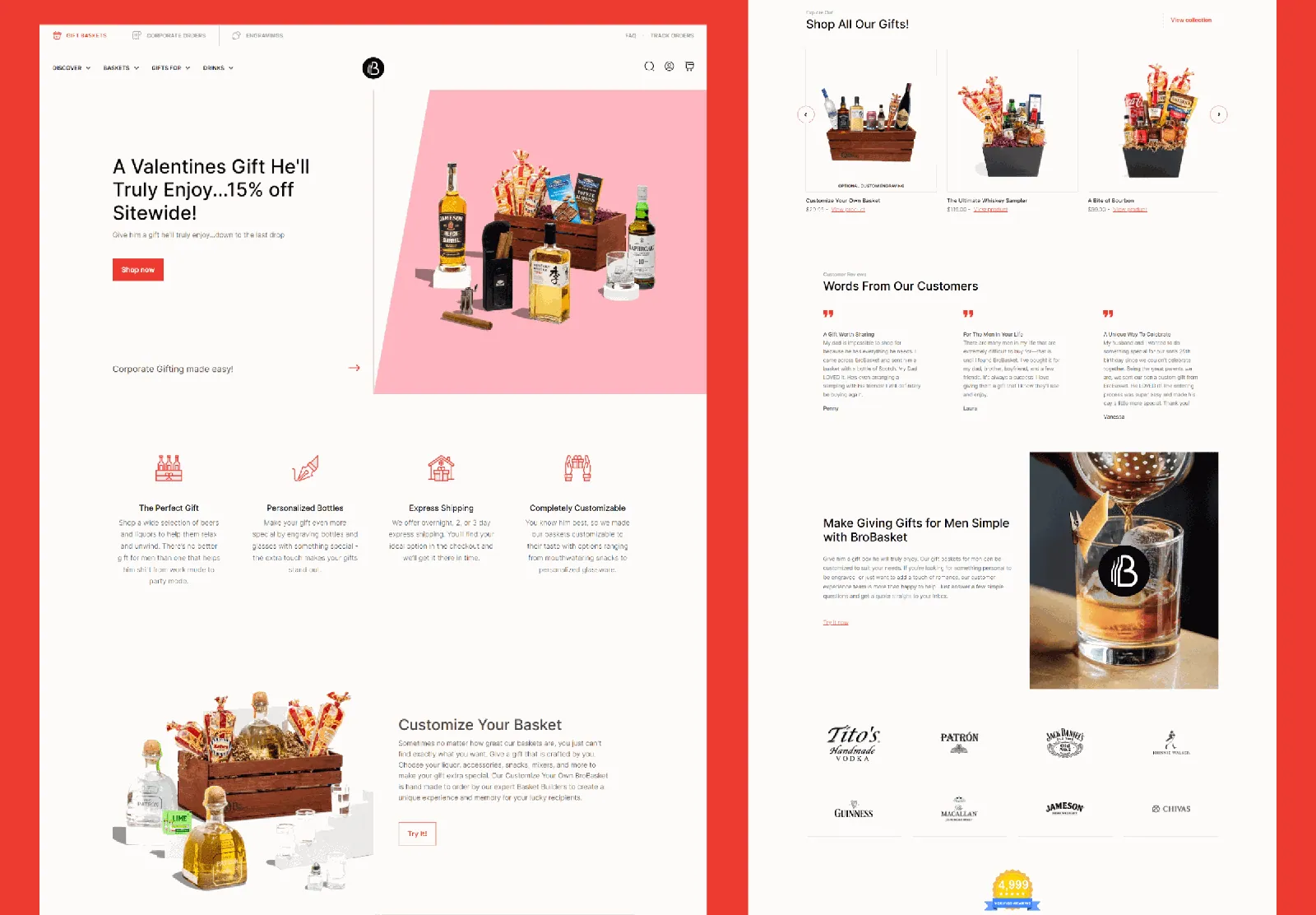
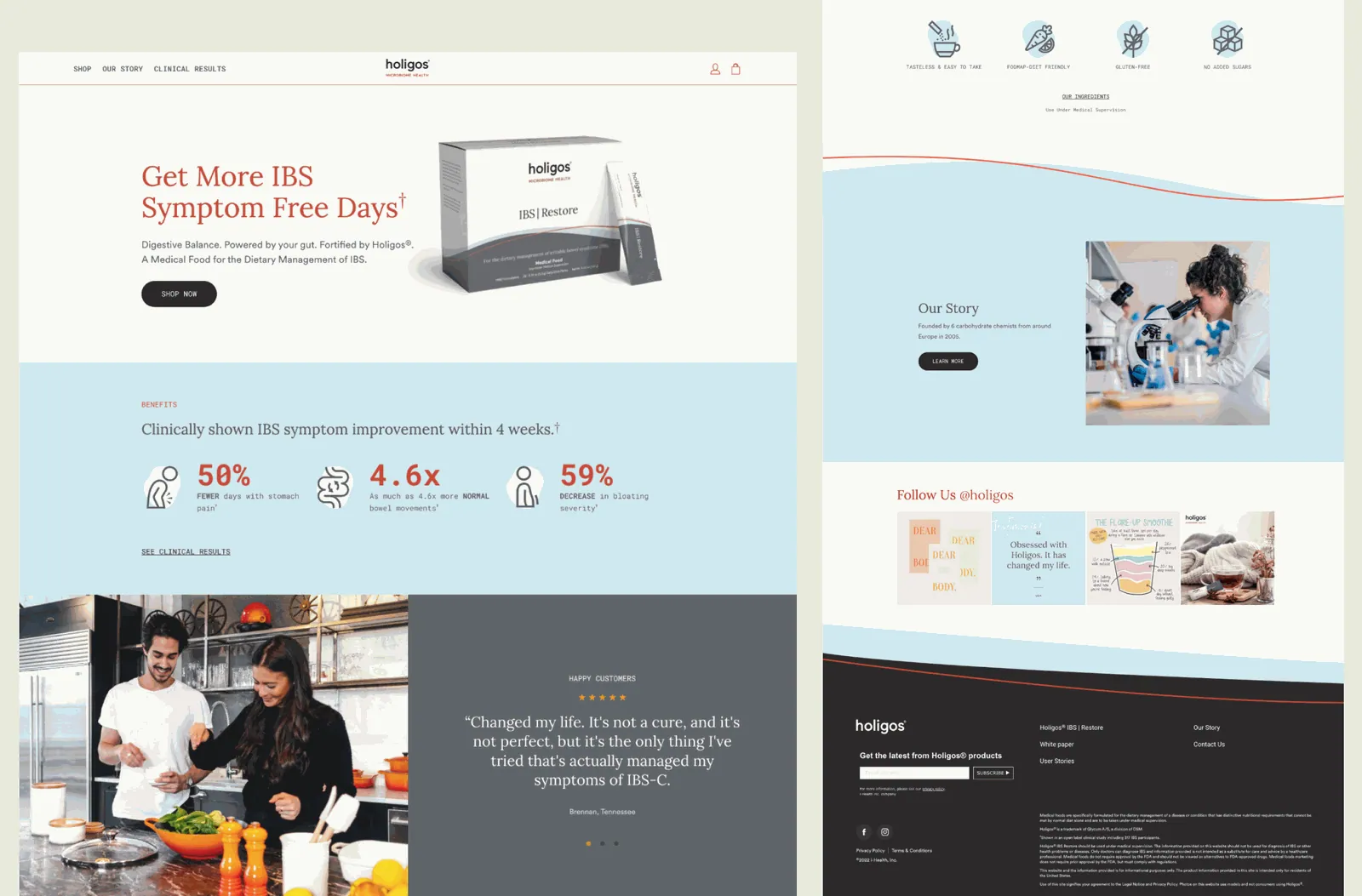
Startup Slang has migrated stores to Shopify from three different platforms. We moved Gallery Furniture from Salesforce Commerce Cloud to Shopify, BroBasket from WooCommerce to Shopify Plus, and Holigos from Magento to Shopify, including its subscriptions. This page explains how we approach a migration.
Platforms we migrate from
Salesforce Commerce Cloud to Shopify
Salesforce Commerce Cloud (SFCC) is powerful, but licensing and development costs are high and many changes need specialist developers. Moving to Shopify or Shopify Plus usually means lower total cost and a team that can run the store day to day. The hard parts are custom cartridges, complex promotions and personalization logic, which need to be mapped to native Shopify features, apps or custom functions. For Gallery Furniture, a Houston furniture and mattress retailer with a large catalog, we planned the move around continuity: mapping catalog, customer and URL data and redirecting legacy URLs.
WooCommerce to Shopify
WooCommerce stores often grow into a tangle of plugins, slow pages and hosting issues. BroBasket's site was slow, image-heavy and hard to navigate. We moved it to Shopify Plus, rebuilt the UI/UX with a custom flow and set up a PIM to restructure product data, categories and inventory without disrupting fulfilment.
Magento (Adobe Commerce) to Shopify
Magento 1 is end of life and Magento 2 can be expensive to maintain. Holigos' Magento site was not delivering the education its product needed. On Shopify we consolidated shopping into one category with custom tagging, shortened the home page by 60% and migrated subscriptions to a system with a customer self-service portal.
BigCommerce to Shopify
BigCommerce is a strong platform (we build on it too, see our BigCommerce agency page), but some brands prefer Shopify's app ecosystem, checkout and marketing tools. Products, variants, customers and orders map cleanly; custom fields, option sets and URL structure need careful planning.
Our migration process
- Audit and crawl. We inventory the current store: products, variants, custom attributes, customers, orders, subscriptions, gift cards, apps and integrations. We crawl every indexed URL and pull search data so we know which pages earn traffic.
- Migration plan. A written data map (old field to new field), feature map (old customization to Shopify feature, app or custom build), redirect map and launch plan, signed off before anything moves.
- Design and build. The new store is designed and built on staging. A migration is the best time to fix UX problems, so we treat it as a redesign, not a copy.
- Data migration and rehearsal. Data is imported, validated and re-imported until counts, prices and relationships match. Customer passwords cannot be moved between platforms, so we plan account activation emails.
- SEO protection. Every old URL gets a 301 redirect to its closest new match; titles, meta descriptions, structured data and content are carried across.
- Launch and monitoring. A final delta import, DNS cutover and close monitoring of orders, redirects, crawl errors and rankings in the weeks after go-live.
Protecting your SEO during a migration
Search rankings belong to URLs. Shopify uses fixed URL patterns such as /products/ and /collections/, so almost every migration changes URLs. Our checklist includes:
- A complete redirect map built from your crawl, analytics and search console data
- Carrying over page titles, meta descriptions, headings and body copy for important pages
- Recreating structured data for products, reviews and breadcrumbs
- Submitting new sitemaps and monitoring indexing in Google Search Console
- Checking internal links, canonical tags and image alt text after launch
We go deeper in our Shopify migration SEO checklist and our guide to migrating from Salesforce Commerce Cloud to Shopify.
Why migrate with Startup Slang
- Three platforms, real projects. SFCC, WooCommerce and Magento migrations, delivered and live.
- Design and growth included. We build a better store, not a replica, and can keep going with CRO, SEO and AI automation after launch.
- Shopify Plus experience. From custom apps for Electronic Arts to PIM setups, we are comfortable with complex requirements. See our Shopify Plus agency page.