Salesforce Commerce Cloud (SFCC, formerly Demandware) has powered many large retail brands. It is capable and scalable, but it is also expensive to license and to develop on, and many changes require specialist developers. As Shopify and Shopify Plus have matured, more brands are making the switch.
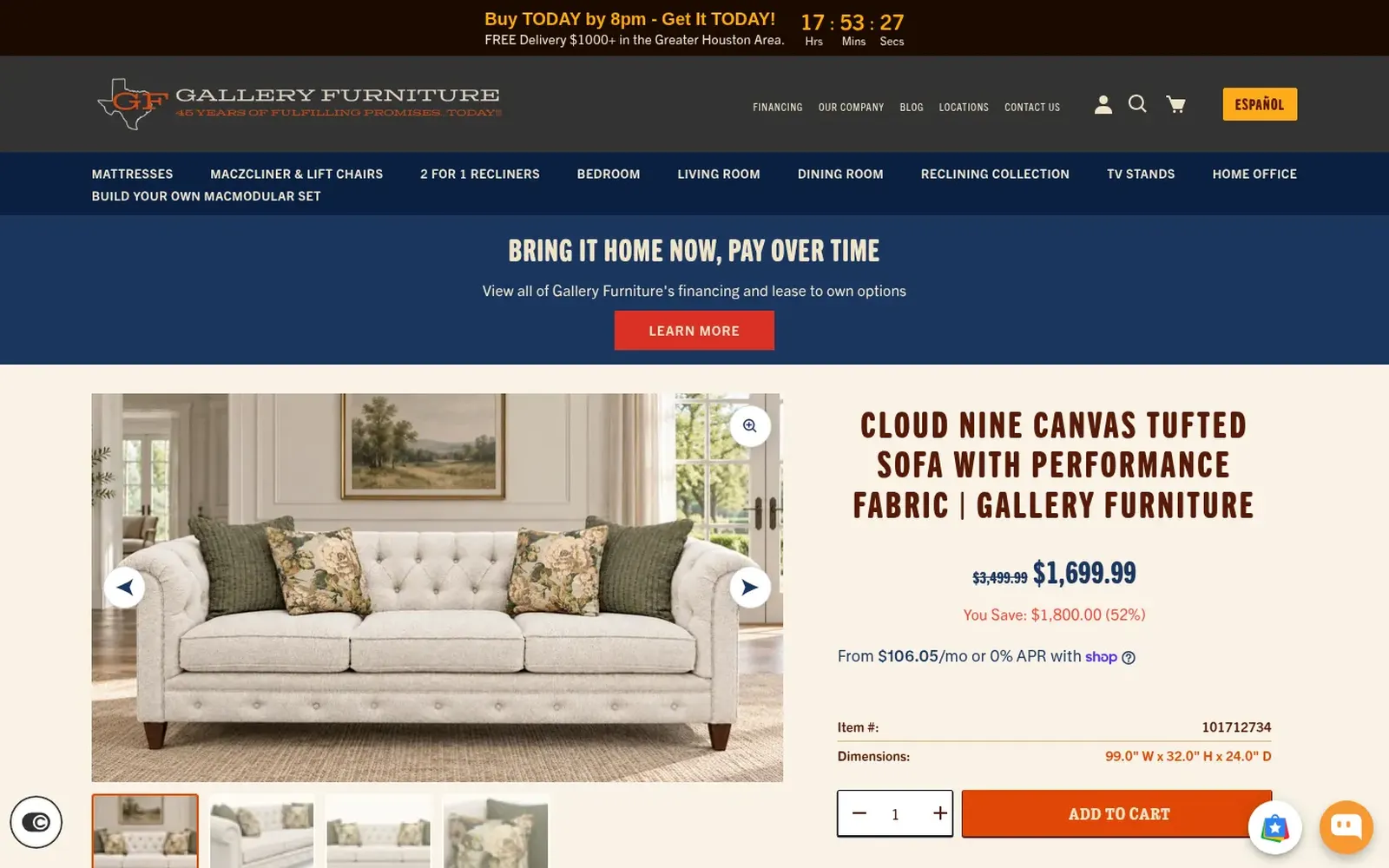
We recently migrated Gallery Furniture, a Houston furniture and mattress retailer with a large, established catalog, from Salesforce Commerce Cloud to Shopify, and designed and built its new website. This guide shares what we have learned.
Why brands leave Salesforce Commerce Cloud
- Total cost of ownership. SFCC licensing is often tied to a share of revenue, and development and hosting add up. Shopify's pricing is typically lower and more predictable.
- Speed of change. On SFCC, many updates need developer time and release cycles. On Shopify, merchandisers and marketers can launch pages, promotions and campaigns themselves.
- Ecosystem. Shopify's app ecosystem and talent pool are larger, so new features and people are easier to find.
- Checkout. Shopify's checkout and Shop Pay are optimized at enormous scale.
- Simplicity. Fewer moving parts to host, patch and upgrade.
When SFCC may still make sense
Some brands rely on deeply customized SFCC features, complex multi-site and multi-country setups or tight Salesforce integrations. Shopify Plus handles most of these through Markets, expansion stores, Functions and apps, but it is worth auditing each requirement before deciding.
Step 1: Audit cartridges and customizations
SFCC functionality often lives in cartridges (custom or third-party modules). List each one and decide:
- Native in Shopify: many promotions, gift cards, markets and content features are built in.
- App: reviews, loyalty, search, subscriptions and personalization often have mature apps.
- Shopify Functions or custom app: custom discounts, shipping or payment logic.
- Retire: features nobody uses anymore.
This mapping is the heart of the migration plan.
Step 2: Map your data
- Products and catalogs: SFCC master and variation products map to Shopify products and variants. Custom attributes become metafields or metaobjects.
- Categories: SFCC category trees become collections, often automated by tags or metafields.
- Customers: profiles and addresses migrate; passwords cannot, so plan account activation emails.
- Orders: historical orders can be imported for customer service and reporting.
- Content: content slots and assets need to be rebuilt in the Shopify theme or a headless CMS.
- Price books and promotions: recreate with Shopify Markets, B2B price lists, automatic discounts or Functions.
Step 3: Rebuild integrations
Enterprise stores connect to ERP, OMS, PIM, tax, search and marketing systems. Check which have Shopify connectors and which need middleware or custom integration, and confirm API limits on your Shopify plan. Shopify Plus offers higher limits for heavy integrations.
Step 4: Design the new storefront
A migration is the best moment to improve UX. For Gallery Furniture we designed the new storefront around how people shop furniture, rather than replicating the old site. Decide between a theme and a headless Shopify build based on your brand experience, content and performance needs.
Step 5: Protect SEO
SFCC URLs often contain category paths, product IDs or locale prefixes; Shopify uses /products/ and /collections/. Build a complete redirect map from your crawl and Search Console data, carry over titles, descriptions and content, and monitor closely after launch. Our Shopify migration SEO checklist has all the steps.
Step 6: Rehearse and launch
Run test imports until product counts, prices, inventory and relationships match. Do user acceptance testing with your team on staging, plan a final delta import for orders and customers placed during the build, then cut over DNS during a low-traffic window and monitor orders, redirects and errors.
Timeline and team
Enterprise SFCC migrations usually take several months depending on catalog size, integrations and design scope. You will need a project lead on your side, access to SFCC and integration owners, and time from merchandising and customer service for testing.
Shopify or Shopify Plus?
Most SFCC brands move to Shopify Plus for its checkout extensibility, B2B features, expansion stores, automation and API limits. Smaller catalogs sometimes fit a standard plan. We discuss this on our Shopify Plus agency page.
If you are considering the move, our Shopify migration services cover audit, design, data, integrations and SEO.
Frequently asked questions
Why are brands moving from Salesforce Commerce Cloud to Shopify?
Mainly for lower total cost of ownership, faster changes without specialist developers, a larger app ecosystem and talent pool, and Shopify's high-converting checkout.
What happens to SFCC cartridges in Shopify?
Each cartridge is mapped to a native Shopify feature, an app, a Shopify Function or custom app, or retired if it is no longer needed.
Can customer accounts be migrated from SFCC to Shopify?
Customer profiles and addresses can be migrated, but passwords cannot, so customers receive an invitation to activate their account.
How long does an SFCC to Shopify migration take?
Usually several months for an enterprise store, depending on catalog size, integrations, design scope and testing.