Conversion rate optimization (CRO) is the cheapest growth lever most Shopify stores have. Paid traffic keeps getting more expensive; converting more of the visitors you already have improves every channel at once. This checklist is the starting point we use in Shopify CRO engagements, drawn from projects like Holigos, where consolidating shopping into one category and shortening the home page by 60% lifted conversion rate, page depth and engagement.
Use it as an audit: go through each item on mobile first, since most Shopify traffic is mobile.
Measure first
- Check your analytics setup. Confirm Shopify analytics, GA4 and ad pixels track sessions, add-to-carts, checkouts and purchases correctly, with no duplicate events.
- Find the leaks. Look at the funnel from session to product view, add to cart, checkout and purchase, split by device and channel. Fix the biggest drop first.
- Watch real sessions. Session recordings and heatmaps show where shoppers hesitate, rage-click or leave.
- Ask customers. Post-purchase surveys ("What almost stopped you from buying?") reveal objections data cannot.
Speed and performance
- Audit apps. Remove apps you no longer use, and check leftover code from uninstalled apps.
- Optimize images. Serve modern formats at the right size and lazy-load below the fold.
- Limit heavy scripts such as pop-ups, chat widgets and trackers, or load them after interaction.
- Check Core Web Vitals in Search Console and PageSpeed Insights for your key templates.
Navigation and discovery
- Simplify the menu. Organize by how customers shop (need, category, brand), not your internal structure.
- Make search excellent. Show product results with images as people type, handle typos and synonyms, and never return an empty page.
- Use useful filters on collections: size, price, availability and the attributes your customers care about.
- Sort by best sellers by default on large collections.
Product pages
- Lead with clear images, including scale, in-use and detail shots, plus video when it helps.
- Write benefit-led copy that answers "Is this right for me?" before listing specs.
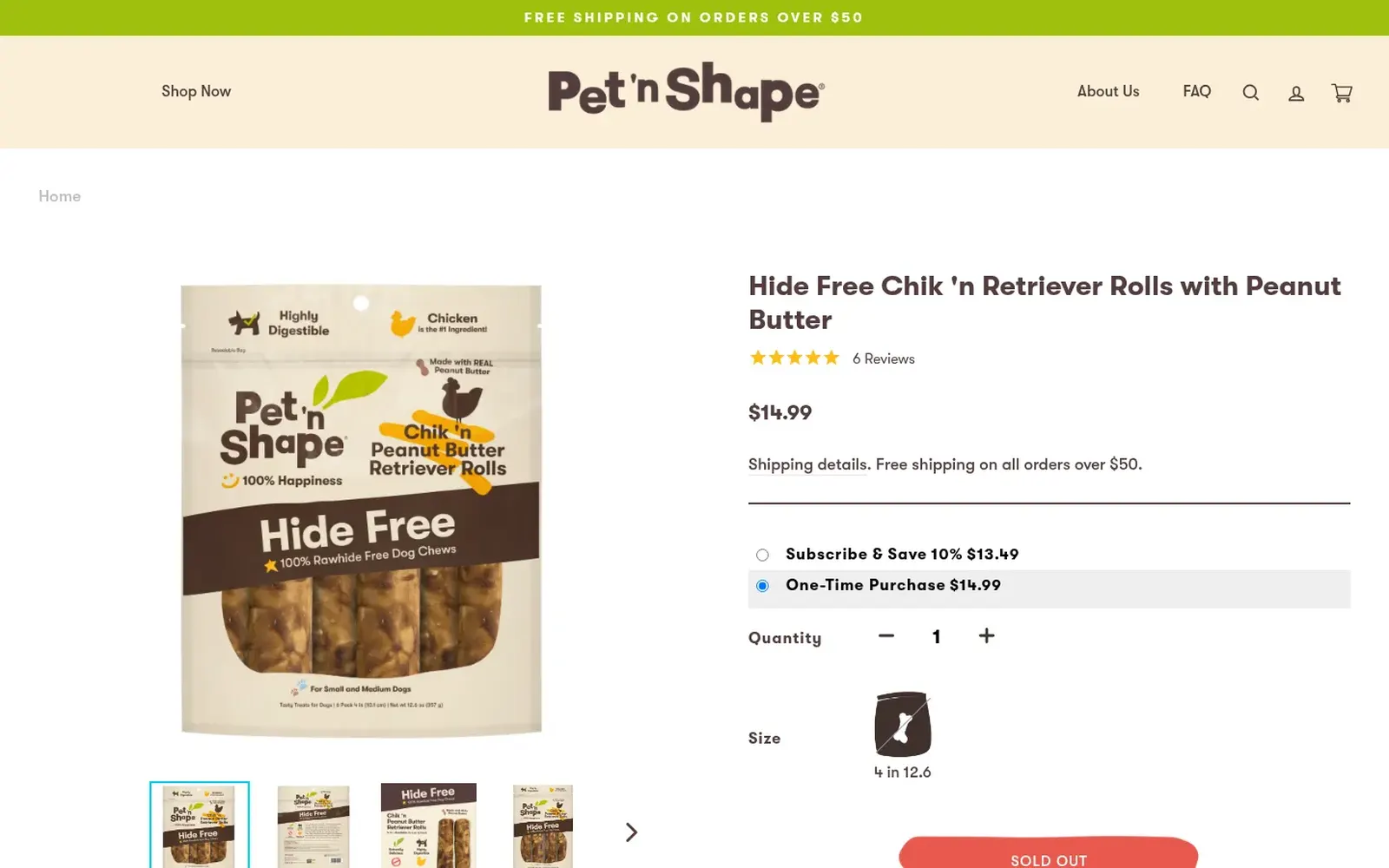
- Show price, variants and stock clearly, with obvious selected states.
- Make the add-to-cart button prominent, and keep it reachable on mobile with a sticky bar.
- Show reviews near the top and make them easy to filter.
- Answer objections: shipping times, returns, sizing, ingredients or compatibility, right on the page.
Cart and checkout
- Show total costs early, including shipping thresholds and estimated delivery.
- Use a slide-out cart with relevant add-ons, without blocking the path to checkout.
- Enable accelerated checkouts such as Shop Pay, Apple Pay and Google Pay.
- Reduce checkout friction: guest checkout, address autocomplete and minimal fields.
- On Shopify Plus, use checkout extensibility for trust messages, delivery dates or upsells, tested carefully.
Trust and persuasion
- Show social proof honestly: real reviews, press mentions and user content.
- Make policies easy to find: shipping, returns, warranty and contact details.
- Keep the brand consistent so the store feels as credible as the product.
Retention and recovery
- Set up abandoned-cart and browse-abandonment flows in your email or SMS platform.
- Personalize recommendations based on behaviour and purchase history; see AI for Shopify stores.
Testing and iteration
- Prioritize ideas by impact, confidence and effort, and test the biggest ones first.
- Run proper A/B tests with enough traffic and a clear primary metric, and keep a log of what you learned.
Common mistakes
- Copying competitors' changes without data.
- Running tests on too little traffic and calling winners too early.
- Adding more apps to fix conversion problems caused by too many apps.
- Optimizing desktop while most buyers are on mobile.
Want an expert audit? Our Shopify CRO services combine research, UX design and development, and our Shopify agency can implement the changes.
Frequently asked questions
What is a good conversion rate for a Shopify store?
It varies widely by industry, price point, traffic source and device. Instead of chasing a benchmark, track your own rate by device and channel and improve it over time.
What is the fastest way to improve Shopify conversion?
Fix the biggest funnel drop first. Common quick wins are faster pages, clearer product information, visible shipping costs and accelerated checkouts like Shop Pay.
Do Shopify apps slow down my store?
They can. Every app that adds scripts to the storefront adds weight, so audit apps regularly and remove leftover code from uninstalled ones.
How long should a Shopify A/B test run?
Until it reaches enough conversions for a reliable result, and for at least one or two full weeks to account for weekday patterns.